
Last updated November 14, 2026
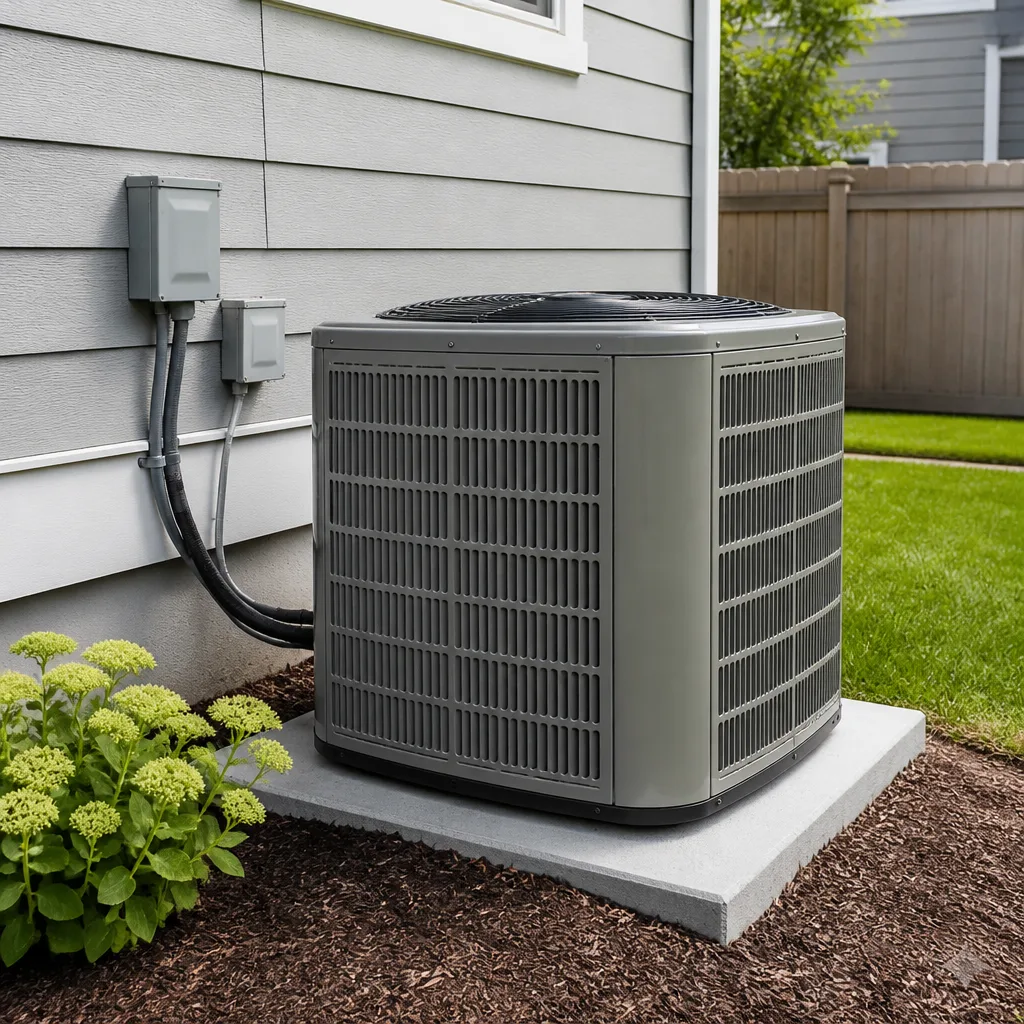 AC repair
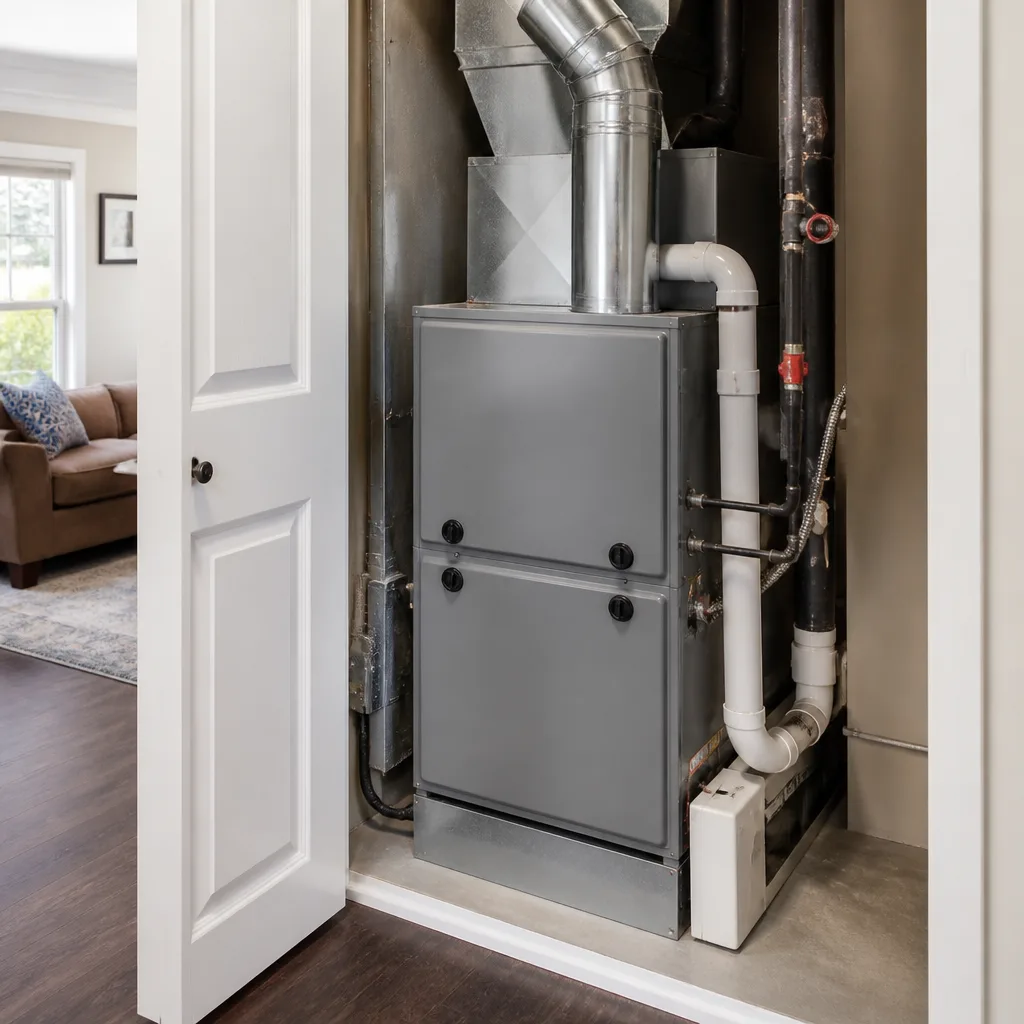 Furnace & heating
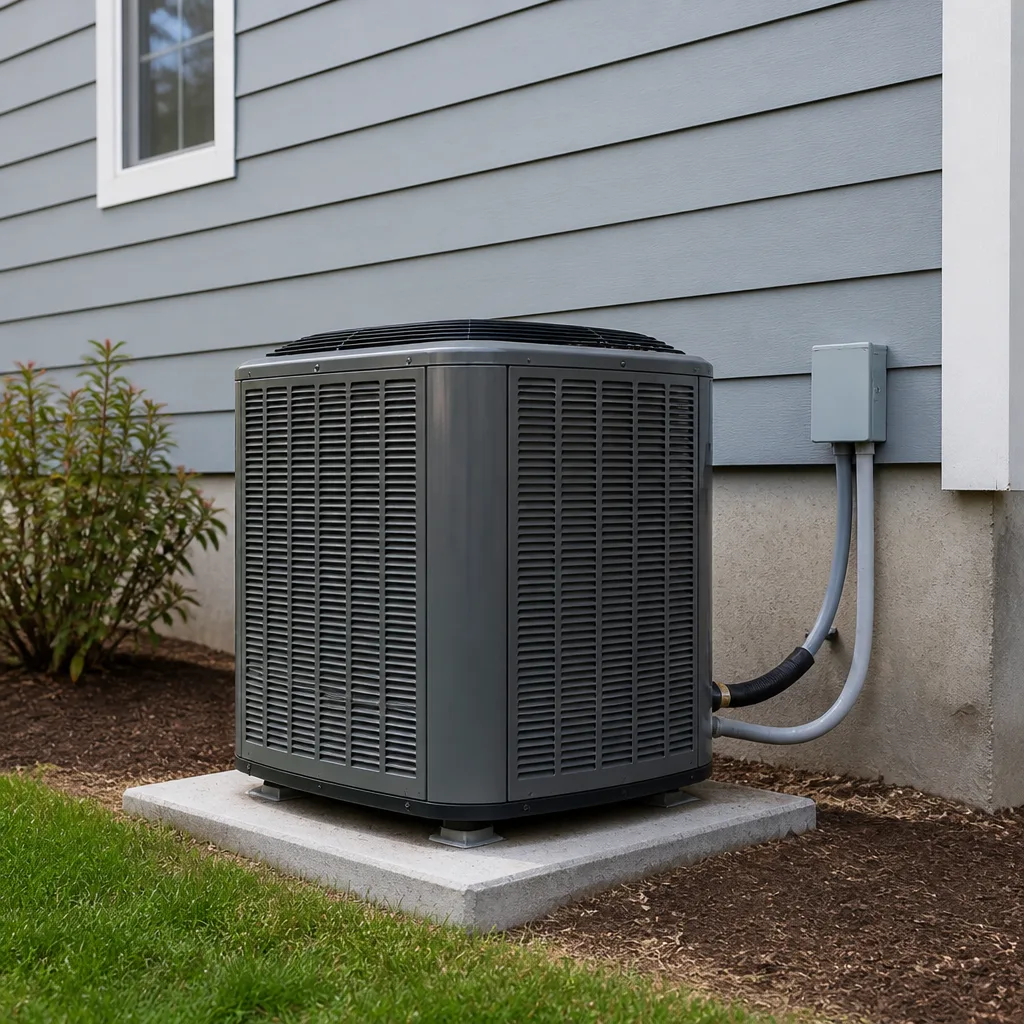 Heat pumps
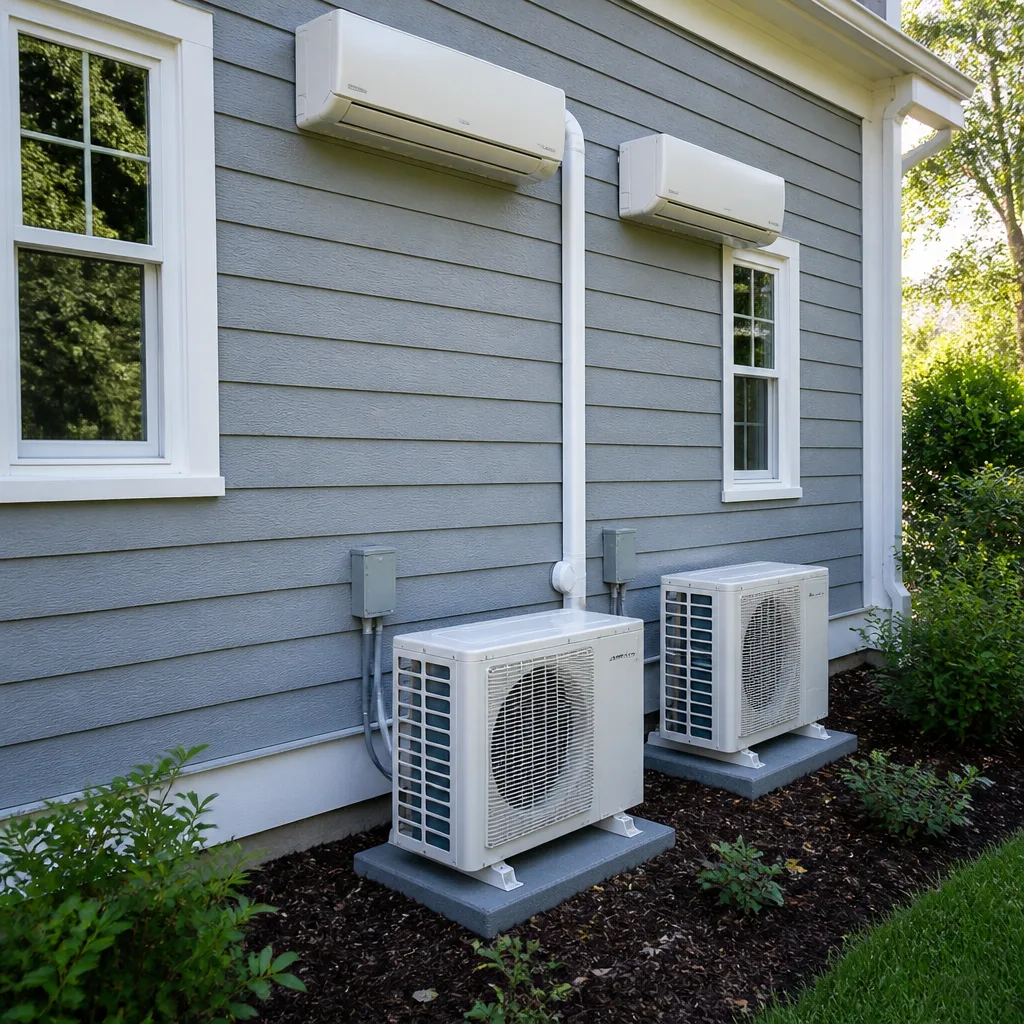 Ductless mini splits
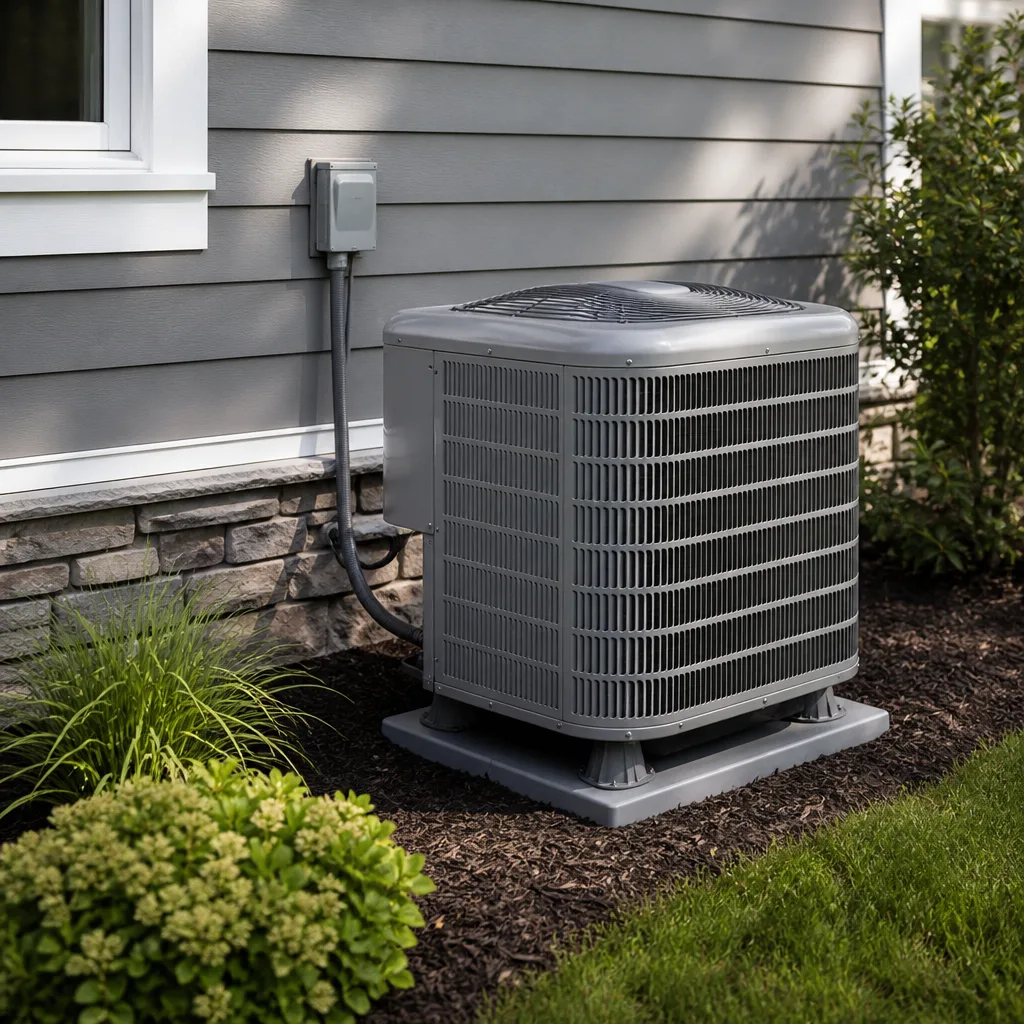 Carrier
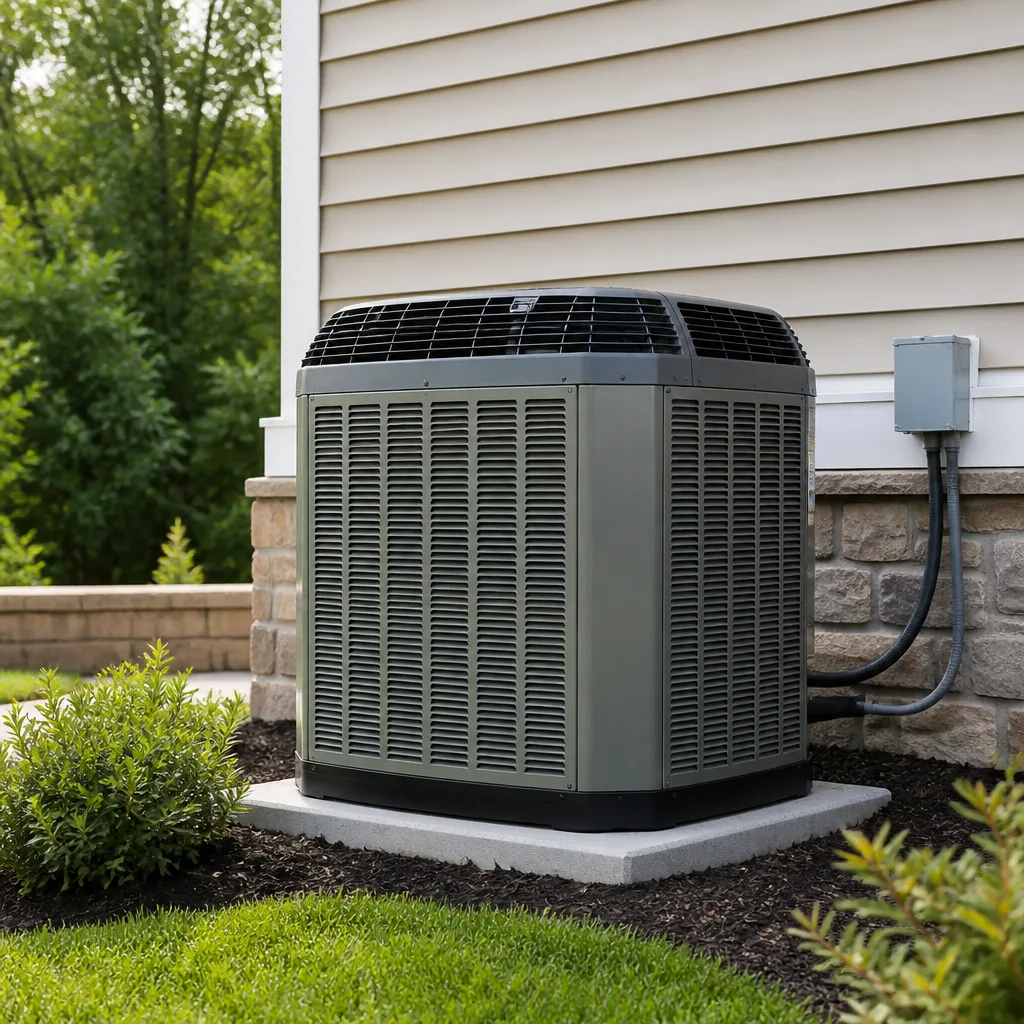 Trane
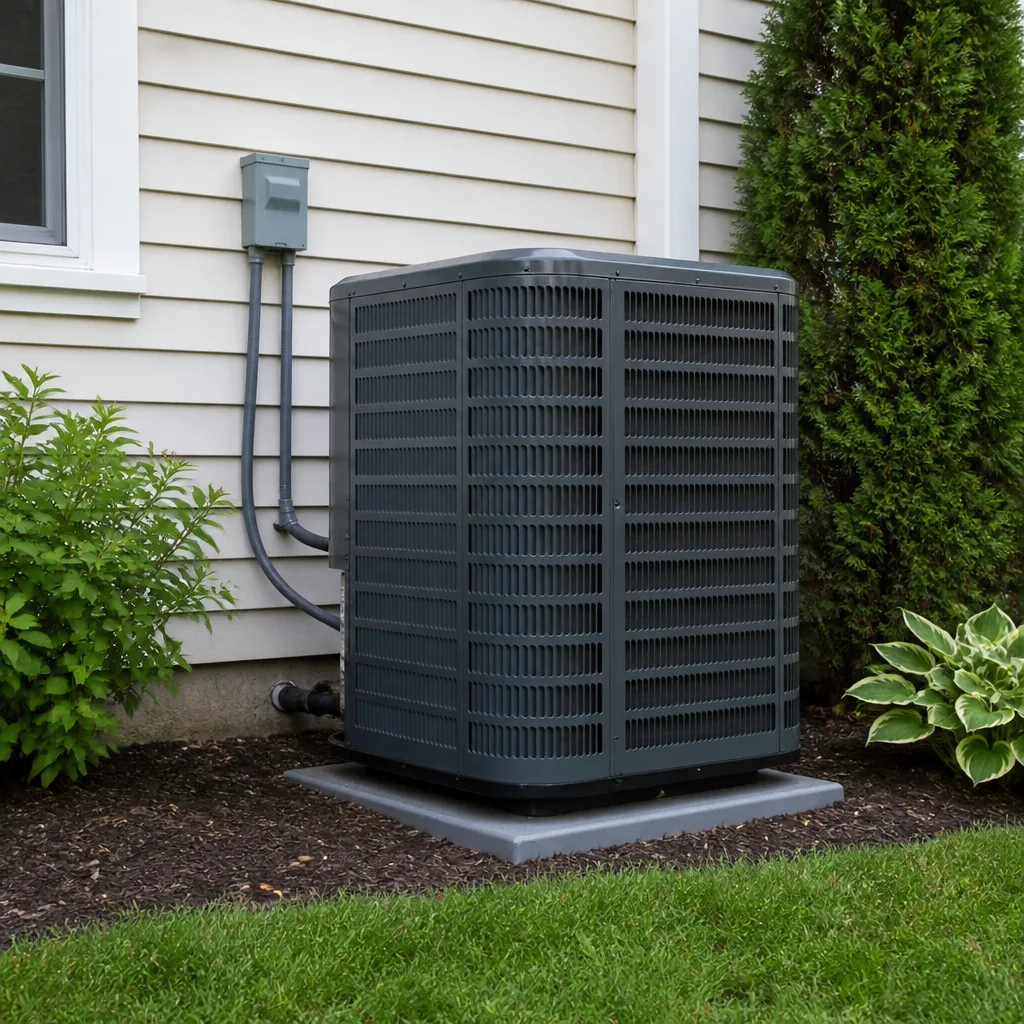 Goodman
Seasonal tune-up and full diagnostic on your Carrier, Trane, or Goodman system - readings shown to you before any repair is proposed
Diagnosis first, numbers second - you approve the repair price before a single part goes in.
Get your free estimateAC Repair Troubleshooting in Plano: Common Problems and How to Fix Them
A tripped breaker, a clogged condensate drain, and a locked-out thermostat look identical from inside a hot house. All three leave you with warm air and no obvious reason why, and all three usually get the same emergency call, even though two of the three take under five minutes to fix without tools. The difference between a service call and a five-minute fix isn’t luck or mechanical skill. It’s knowing the order to check things in. This guide walks through the same diagnostic sequence a trained technician follows, translated into what a homeowner can safely observe, listen to, and test. You’ll learn what to check first, second, and third, how to read the sounds and smells that point at different failures, and when the answer really is a call to a professional. It’s the sequence we use across Plano every cooling season.
Quick Answer
Most “AC not working” calls in Plano trace back to a short list of causes you can check in about ten minutes: a tripped breaker, a clogged condensate drain, a thermostat in the wrong mode or locked out, a clogged air filter, or a condenser unit blocked by debris. Work through those five before assuming the compressor, blower motor, or refrigerant charge is the problem. If the air is still warm after those checks, or you smell burning, hear metal-on-metal grinding, or see ice on the indoor coil line, stop and call a technician.
Styles & brands we work with
- AC repair
- Furnace & heating
- Heat pumps
- Ductless mini splits
- Carrier
- Trane
- Goodman
Table of Contents
- 1. Start at the Breaker Panel and the Disconnect
- 2. Check the Condensate Drain and Float Switch
- 3. Read Your Thermostat Before You Touch It
- 4. Airflow: The Filter and the Return
- 5. Sounds, Smells, and Airflow Patterns That Point to the Real Failure
- 6. How to Read Diagnostic Codes on Honeywell, Ecobee, and Nest Thermostats
- 7. What Not to Attempt, and Why
- 8. How to Document Symptoms So You Don’t Pay for Discovery Time
1. Start at the Breaker Panel and the Disconnect
A tripped breaker is the single most common “dead AC” in Plano, and it’s the first thing to rule out because it takes thirty seconds and costs nothing. Residential air conditioners run on a dedicated 240-volt circuit, sometimes split between an outdoor condenser circuit and an indoor air handler circuit. Either one can trip without affecting anything else in the house.
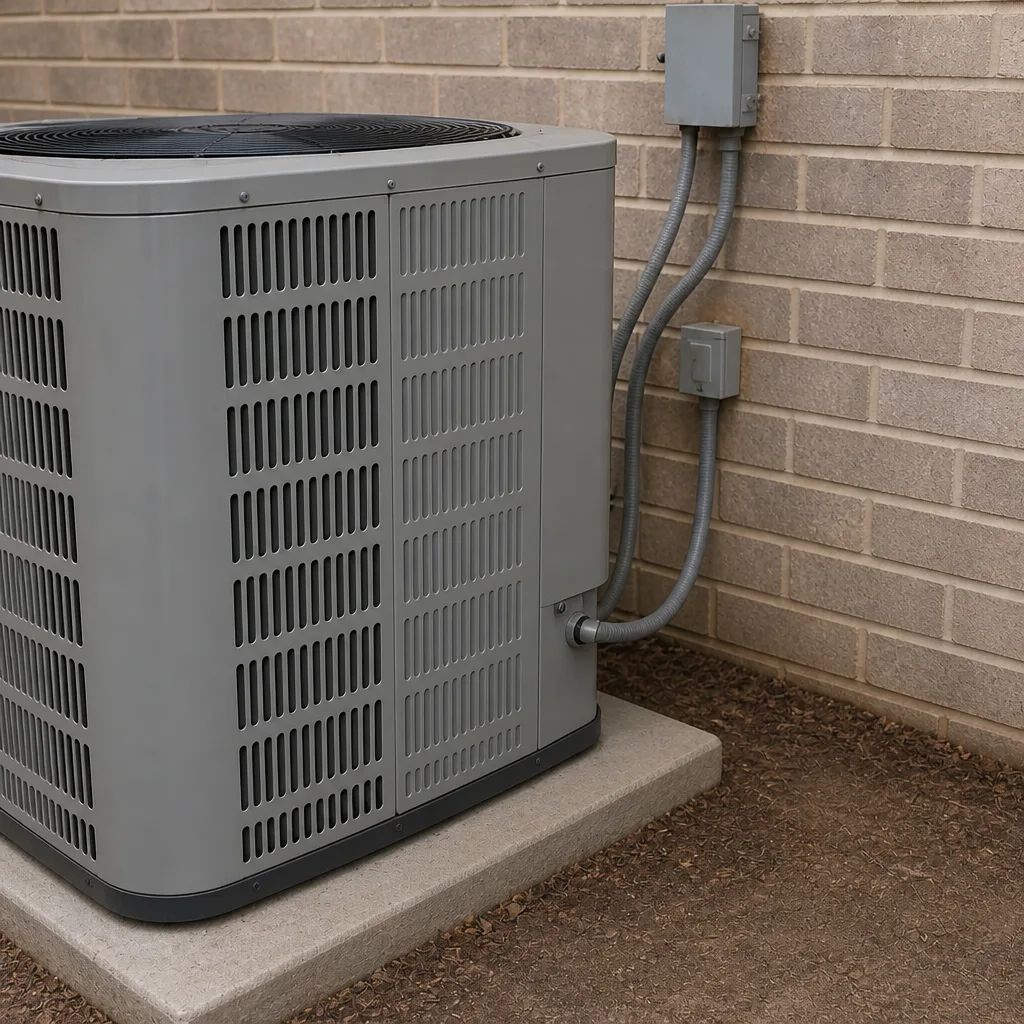
Open the panel and look for a breaker that sits between ON and OFF, or one that’s fully OFF while its neighbors are ON. Some panels label the AC circuit clearly. If yours doesn’t, look for the double-pole breaker (two switches tied together) that feeds the outdoor unit. Before you reset anything, look at the outdoor disconnect box mounted near the condenser. It holds either a pull-out handle or a small breaker. If it’s pulled or tripped, that’s your answer.
Here’s the part most people skip: a breaker that trips once and holds after a reset is a nuisance. A breaker that trips again within minutes is telling you something is wrong on the circuit, and resetting it a third time is how people turn a repair into a fire risk. Stop there and call.
What the reset tells you
- Holds and the AC runs: you found it. Note the date and move on.
- Holds but the outdoor fan doesn’t spin: the compressor may be trying to start against a failed capacitor. That’s a technician job.
- Trips again immediately: likely a shorted compressor, a bad capacitor, or damaged wiring. Do not keep resetting.
- Trips after several minutes of running: often an overheating compressor or a failing condenser fan motor drawing too much current.
Panels and wiring carry real danger. If you’re not comfortable opening the panel, don’t. A licensed electrician or HVAC technician handles this safely every day.
2. Check the Condensate Drain and Float Switch
An AC doesn’t just cool air. It pulls moisture out of it, and in a Plano summer that’s a lot of water. A typical system produces several gallons a day during peak humidity, all of which has to drain away from the indoor coil through a condensate line. When that line clogs with algae, dust, or a stray insect, the water backs up, and a float switch shuts the system down to prevent an overflow. The result is a system that won’t run and a house that warms up fast, with no other obvious symptom.
This is one of the most misdiagnosed problems in residential cooling. Homeowners assume the compressor died. In our experience, a float switch tripped by a slow drain is far more often the culprit.
What to check
- Find the indoor air handler or furnace. The drain line usually runs from a pan under the coil to a floor drain, a condensate pump, or outside.
- Look in the pan. Standing water means the drain is blocked or the pump has failed.
- Look for a small float switch on the pan rim or inline on the drain. It may have a reset button or a small lever.
- If you can see the end of the drain line outdoors or at a floor drain, check whether water is dripping when the system runs. No drip while running means a clog upstream.
Clearing a drain is often as simple as a wet/dry vacuum on the outdoor end of the line. But if water has already overflowed the pan, or the float switch keeps tripping after a reset, the clog is deeper and the coil housing may need to be opened. That’s a technician job, and it’s better done before water finds drywall.
3. Read Your Thermostat Before You Touch It
Thermostats fail in quiet, unglamorous ways. A thermostat set to HEAT when it’s 102°F outside will happily run the furnace. One set to FAN ON instead of AUTO runs the blower continuously but never calls for cooling, which feels like warm air blowing for no reason. A thermostat on a schedule that’s been overridden by a guest or a house sitter can leave the house at 82°F all afternoon without a single component failing. Before you assume the worst, take ten seconds and check the basics:
- Mode: COOL, not HEAT or OFF.
- Fan: AUTO, not ON.
- Setpoint: at least 3°F below current room temperature so the call for cooling is unambiguous.
- Batteries: many battery-powered models go dark or behave erratically when the batteries are low. A blank or flickering screen is a dead giveaway.
- Breaker at the air handler: many indoor units have their own breaker or fuse at the unit. Check it.
- Schedule override: look for a HOLD, PERMANENT HOLD, or AWAY indicator.
If the thermostat screen is blank, the problem might be the thermostat or it might be the low-voltage transformer in the air handler. Either way, you’ve narrowed it down. If the display is live and the setpoint is correct and the fan isn’t running, the call isn’t reaching the equipment, which often points to a control board or a failed transformer. That’s a diagnosis a technician can make quickly once they know what you’ve already checked.
4. Airflow: The Filter and the Return
Restricted airflow is the silent killer of AC systems, and it’s the cause homeowners are most likely to overlook because the system still runs. A clogged filter starves the evaporator coil of air, which drops the coil temperature below freezing, which forms ice on the coil, which eventually blocks airflow entirely. Now the system runs, blows warm air, and may even drip water into the pan. Every symptom looks like low refrigerant. Almost none of it is.
Plano homes also run into return-air problems that have nothing to do with the filter. A return grille blocked by a sofa, a rug, or a piece of furniture pushed flush against it restricts the whole system. So does a return duct that was sized for the original system and never updated when the equipment was replaced. If your system struggled in the hottest weeks last summer, this is worth a look.
The five-minute airflow check
- Pull the filter. If you can’t see light through it, it needed changing weeks ago.
- Hold it up to a window. A good filter shows light and detail on the far side. A bad one is a gray fog.
- Check the return grille for furniture, rugs, or curtains within a foot of the opening.
- Look for a second filter location. Some systems have one at the air handler and one at the return grille. Changing only one doesn’t help.
- Note the filter’s MERV rating. In our experience, high-MERV filters rated above what a residential system was designed for create more restriction than they remove. A standard pleated filter is usually a better match for most systems.
While you’re here, check the outdoor condenser for debris. Cottonwood fluff, leaves, and grass clippings pile up against the coil fins and cut the system’s ability to reject heat. A gentle rinse with a garden hose from the inside out, with the power off at the disconnect, clears most of it. Bent fins and packed debris between the fins need a technician.
5. Sounds, Smells, and Airflow Patterns That Point to the Real Failure
Once the five-minute checks are done, the symptoms themselves tell you which failure you’re facing. A compressor failure, a blower motor failure, and refrigerant loss all produce a warm house, but they sound and smell different, and the response is different. Getting this right saves you from paying for diagnosis you could have handed over yourself.
Compressor failure
The compressor is the heart of the outdoor unit. When it fails, the outdoor fan often keeps running, so the system sounds normal from the driveway, but the air indoors never cools. You may hear a hard click from the outdoor unit followed by nothing, or a low hum without the compressor actually engaging. A burning smell outdoors near the condenser is a serious sign. Turn the system off at the thermostat and call.
Blower motor failure
The blower is indoors, pushing air through the ducts. When it fails, the outdoor unit may run fine but no air moves through the vents. You might hear the outdoor unit cycling on and off in short bursts because the indoor coil is freezing. Weak airflow from every vent at once, with the blower struggling to push air, usually points at the blower motor or a failing capacitor that starts it. Listen for a rhythmic hum from the air handler that never becomes a full spin.
Refrigerant loss
A slow leak shows up as gradually warmer air over weeks, not a sudden failure. Ice forming on the indoor copper line at the air handler is the classic sign, along with a system that cools fine in the morning and struggles by afternoon. A technician finds leaks with electronic detection and pressure testing. Adding refrigerant without finding the leak is a temporary fix, not a repair.
Condenser fan failure
If the outdoor fan doesn’t spin while the compressor runs, the condenser can’t shed heat and the system will overheat and shut down on a safety. In Plano’s summer heat, this escalates quickly. A technician checks the fan motor and capacitor together, since they usually fail together.
- Grinding or screeching: bearings in a blower or condenser fan motor. Stop the system.
- Electrical burning smell: shorted wiring, failed capacitor, or compressor. Stop the system.
- Rotten-egg or musty smell with warm air: could be an airflow or drain issue, or in rare cases refrigerant. Investigate before running it again.
- Loud click then nothing: start capacitor or locked compressor.
- Rattle from the outdoor unit: loose panel or fan blade. Usually simple, but worth shutting down until checked.
6. How to Read Diagnostic Codes on Honeywell, Ecobee, and Nest Thermostats
Modern thermostats are small diagnostic computers, and most of them tell you exactly what’s wrong if you know where to look. A code or alert on the display saves a technician a chunk of the diagnostic time, and it tells you whether the problem is on your side of the equipment or inside it.
Honeywell and similar programmable thermostats
Honeywell units typically list a short numeric alert code on the screen or in the menu. A few common ones homeowners see most often: a code indicating the thermostat has lost power from the air handler (usually meaning the low-voltage transformer or a fuse inside the unit), a code for a call that’s not getting a response from the equipment, and a “replace battery” alert on battery-backed models. The exact code varies by model, so the best move is to write down the code and the model number rather than guess.
Ecobee
Ecobee thermostats show alerts as on-screen messages, and the app usually provides a plain-language description. Common alerts point to a lost connection to the air handler, an out-of-range temperature reading, or a filter reminder. The value here is that the alert tells you what the thermostat thinks is happening, which is a strong starting point for a technician.
Nest
Nest thermostats report diagnostic messages in the app and on the device, including wiring errors, power issues (Nest units draw power from the HVAC controls and can report low power), and equipment communication problems. A “no power to R wire” message often points to a blown low-voltage fuse at the air handler, which is a quick fix in skilled hands.
Write down everything you see. The model number, the code, and what the system was doing when the code appeared all matter more than a photo of the screen. If you want help decoding a specific alert, call (833) 488-8546 and describe what you’re seeing.
7. What Not to Attempt, and Why
We’re not going to hand you a disclaimer and move on. There are three specific reasons a homeowner shouldn’t open the equipment, and they’re all physical, not legal.
Capacitors store dangerous charge
The run and start capacitors in an outdoor unit hold a charge after the power is off. Touching the terminals on a charged capacitor can deliver a shock strong enough to stop your heart, and it can happen minutes after the unit is switched off. Discharging a capacitor safely requires a resistor and a meter. This is one of the most common serious injuries in HVAC work, and it happens to professionals too.
Refrigerant causes frostbite and blindness
Refrigerant leaves a system through a leak at high pressure and at a temperature far below freezing. Contact with skin causes immediate frostbite. Contact with eyes can cause permanent damage. The tools to handle refrigerant safely (gauges, recovery equipment, PPE) are the tools only a licensed technician has. Refrigerant work also requires a license in most states, and Texas is no exception.
Electrical panels carry arc-flash risk
Inside a residential panel, a slipped screwdriver can bridge a live bus and create an arc flash. The energy in a home panel is far less than industrial equipment, but it’s still enough to cause severe burns and ignite clothing. A tripped breaker is worth resetting. Opening the panel to inspect wiring is not.
Other jobs worth leaving to a technician because the risk isn’t obvious: replacing the compressor contactor, cleaning the evaporator coil, checking refrigerant pressures, working on the control board inside the air handler, and anything that requires removing a panel on the outdoor unit. If a technician has to hand you a tool kit to explain it, it’s a technician job.
8. How to Document Symptoms So You Don’t Pay for Discovery Time
When a technician arrives without information, the first part of the visit is spent discovering the problem. When they arrive with a clean, specific description of what happened and when, diagnosis can start parked on the actual failure. That saves time, and time is what a service call is priced on. Here’s what to write down before you call AC repair.
- When the problem started, and whether it came on gradually or suddenly. “Warmer each week for a month” points at refrigerant. “Ice cold air, then nothing in ten minutes” points at an electrical or capacitor issue.
- What the thermostat shows. Mode, setpoint, current room reading, and any alert or code.
- Whether the outdoor unit is running. Is the fan spinning? Can you hear the compressor? A quick video taken from a safe distance is worth a dozen words.
- Whether air is moving indoors, and how it feels. Warm but moving, cool but weak, or no air at all.
- Any sounds or smells. Where they come from (indoors, outdoors, which vent) and when they happen.
- What you already checked, and what you found. Breaker, filter, drain pan, float switch, disconnect.
- Model numbers. Photograph the data plate on the outdoor unit and the air handler. Take a photo of the thermostat model too.
That list is worth more than any amount of describing on the phone. Read it back to the dispatcher, and read it again to the technician on arrival.
Common Mistakes to Avoid
- Resetting the same breaker over and over. A breaker that trips twice in a day is pointing at a real fault. Repeated resets can damage the compressor and create a fire risk. Call instead.
- Believing “it just needs refrigerant” because a neighbor said so. Topping off refrigerant without finding the leak just delays the problem and adds cost. Refrigerant is a closed system. If it’s low, it’s leaking.
- Installing a high-MERV filter because higher seems better. High-MERV filters starve residential systems designed for less restriction. A standard filter changed regularly beats an expensive one changed rarely.
- Blocking the outdoor condenser to “shade” it. Stacking boxes or planting shrubs against the unit blocks airflow and worsens the exact problem you were trying to solve.
- Ignoring the condensate drain until it overflows. In Plano’s summer humidity, drains clog quietly for weeks before they cause a problem. A float switch trips and the house warms up with no other sign.
- Assuming the thermostat is fine because it lights up. A thermostat can be powered, responsive to touch, and still be sending the wrong signal to the equipment. Read the mode, the fan setting, and any error message.
- Calling it a “brand problem” before diagnosis. In our experience, a Lennox, Goodman, Rheem, or York system that fails in a Plano home rarely fails because of the brand. It fails because something upstream (airflow, charge, electrical) went wrong. Diagnosis first.
See the difference
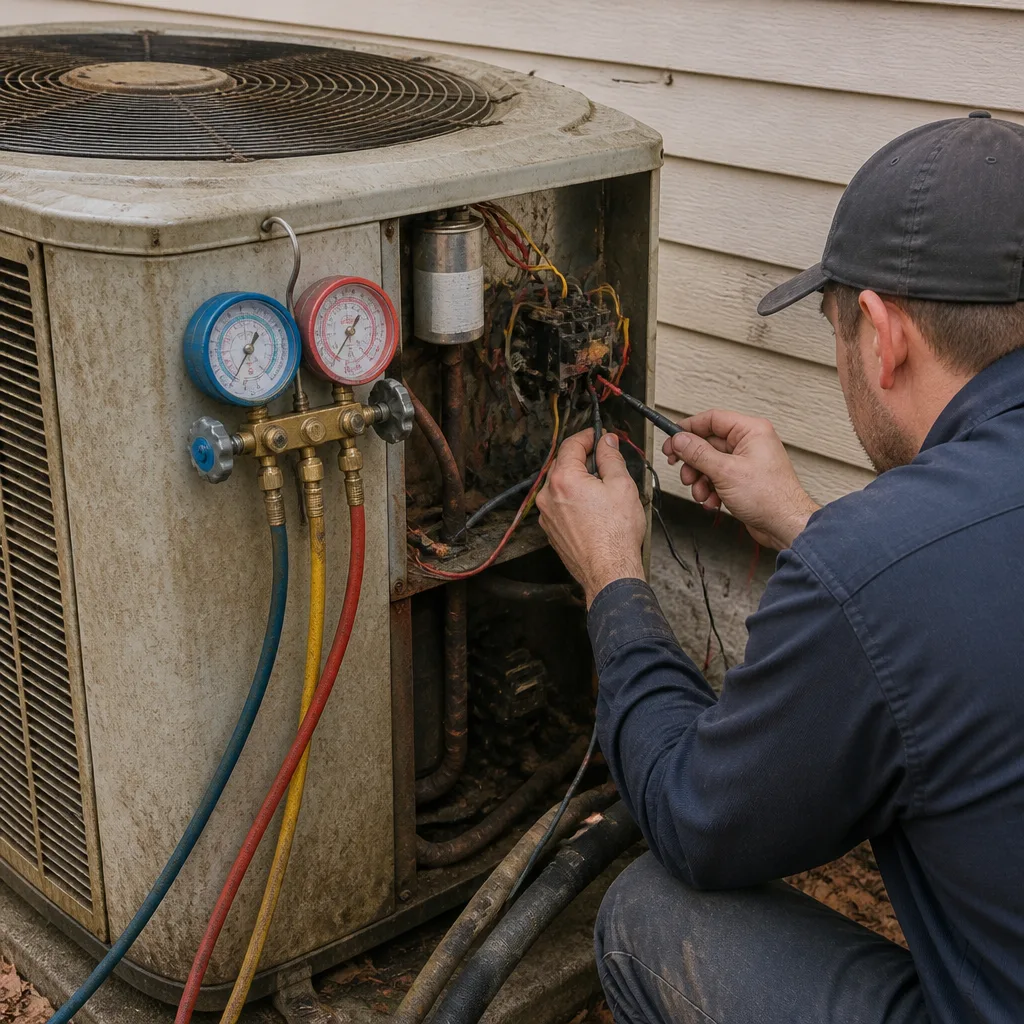 Before
 After
 Before
 After
 Before
 After
When to Call a Professional
Stop troubleshooting and call a technician when any of these is true: the breaker trips twice after resets, you smell burning anywhere near the equipment, the outdoor unit hums but never engages, you see ice on the indoor copper lines or the outdoor unit, the blower motor grinds or screeches, or the air coming from your vents is warm after the five-minute checks are done. If you have young children, elderly family members, or anyone with a heat-sensitive medical condition, treat a failed system as urgent. In Plano’s summer, indoor temperatures climb fast and the health risk is real. Benchmark AC Repair offers free estimates in Plano, and we can work with your insurer where applicable. Call (833) 488-8546. We answer 24/7. Fast dispatch from 7am to 7pm, Sunday through Friday.
If your system is beyond repair, we also handle AC installation and can give a written fixed price and a set install date. If you’re on the fence about repair versus replacement, we’ll give you the honest math and let you decide. Our technicians have up to 15 years of experience, and we service equipment from Carrier, Trane, Lennox, Goodman, Rheem, York, Daikin, Bryant, and American Standard. Whatever system you have, we know it.
Frequently Asked Questions
Check the thermostat first, then the breaker, then the filter and the condensate drain float switch. That order takes under ten minutes and catches most no-cooling calls. If the air is still warm after those four checks, stop and call a technician.
Running but not cooling almost always means one of four things: a clogged filter or blocked return restricting airflow, a dirty outdoor condenser coil, ice on the indoor coil from low airflow or low refrigerant, or a failing compressor. Check airflow first, since it’s free and rules out a large share of these calls. If airflow is fine and the outdoor unit sounds normal, it’s time to call.
You can often thaw it safely by turning the system to FAN ON at the thermostat and letting it run until the ice melts, then changing the filter and resuming cooling. If it freezes again within a day, the cause is refrigerant or airflow, and a technician needs to find it. Never chip ice off the coil or the copper lines.
Write down the code, the model number, and what the system was doing when the code appeared. Many codes point to a lost power connection, a low-voltage fuse, or a wiring issue that’s straightforward to diagnose from that information. Call (833) 488-8546 and read it back. If the code reappears after a reset, don’t clear it again, since that erases information the technician needs.
Yes in one important way: inverter-driven systems on newer Lennox, Goodman, and Rheem equipment can show fault codes on the control board that a thermostat won’t always display. The homeowner’s visible symptoms (warm air, no airflow, unusual sounds) are the same, but the diagnosis inside the unit is more technical. Document what you see and let the technician read the board.
Most installing contractors service a specific brand. For coverage across many brands, look for a company that names the brands it services on its site. We service 9 of the most widely installed residential brands and work throughout Plano, so if your system is on the list, we can help. Call (833) 488-8546 for a free estimate.
The Bottom Line
Half of all “AC not working” calls in Plano turn out to be something you could have checked yourself in under ten minutes. The order matters: thermostat, breaker, condensate drain, then airflow. Once those are ruled out, symptoms become the guide. A running outdoor fan with warm indoor air points at the compressor or charge. A dead indoor blower points at the motor. Ice on the indoor line points at airflow or refrigerant. Write all of it down, and a technician starts at the point of failure instead of the beginning. Save the work you shouldn’t do (capacitors, refrigerant, panels) for someone trained to handle the risks, and never reset a tripping breaker more than twice. If you’ve reached the bottom of the list, Benchmark AC Repair handles AC repair, AC installation, and furnace repair for the full year. Call (833) 488-8546 for a free estimate. We answer 24/7. Fast dispatch from 7am to 7pm, Sunday through Friday.
Written by the team at Benchmark AC Repair.